
Tutorials
Learn Travel Story Maker step by step
Short, focused guides to build, plan and export your animated travel route videos. Each article is illustrated and to the point.
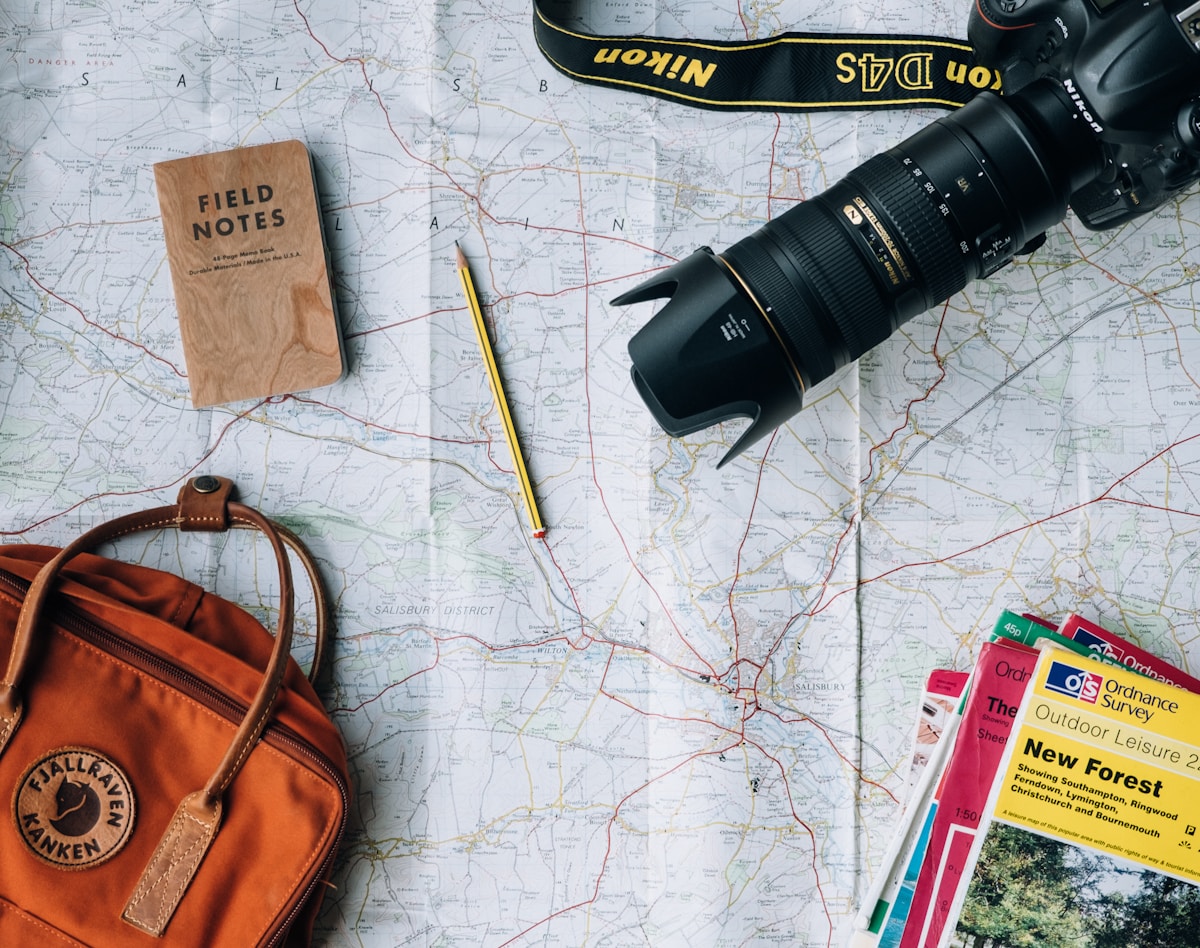
Ultimate guide
How to create travel videos: the ultimate guide
The reference guide to turn a trip into an animated video: ideas, storytelling, technical choices, exports and publishing. Everything you need.
Read article
Create
How to create an animated travel map
From the first stop to the preview: drop your stops on the map, pick vehicles for each segment and customize the look.
Read article
Stops
How to add destinations to your travel route
Search a city, click on the map or paste coordinates: add, reorder and rename your stops in seconds.
Read article
Vehicles
How to change vehicles between your stops
Assign a different vehicle to each segment of your route: plane, car, train, bike or boat, with a smooth transition.
Read article
Customization
How to customize icons and markers
Pick your 3D vehicles, your start and end markers, and the look of stop labels to give a visual identity to your video.
Read article
Customization
How to customize your travel animation style
Map style, route color, speed, easing, globe projection, watermark: every lever to design a unique look.
Read article
Planning
How to plan your travel itinerary
Organize your dates, overnight stays and travel times to turn a rough trip idea into a complete, realistic itinerary.
Read article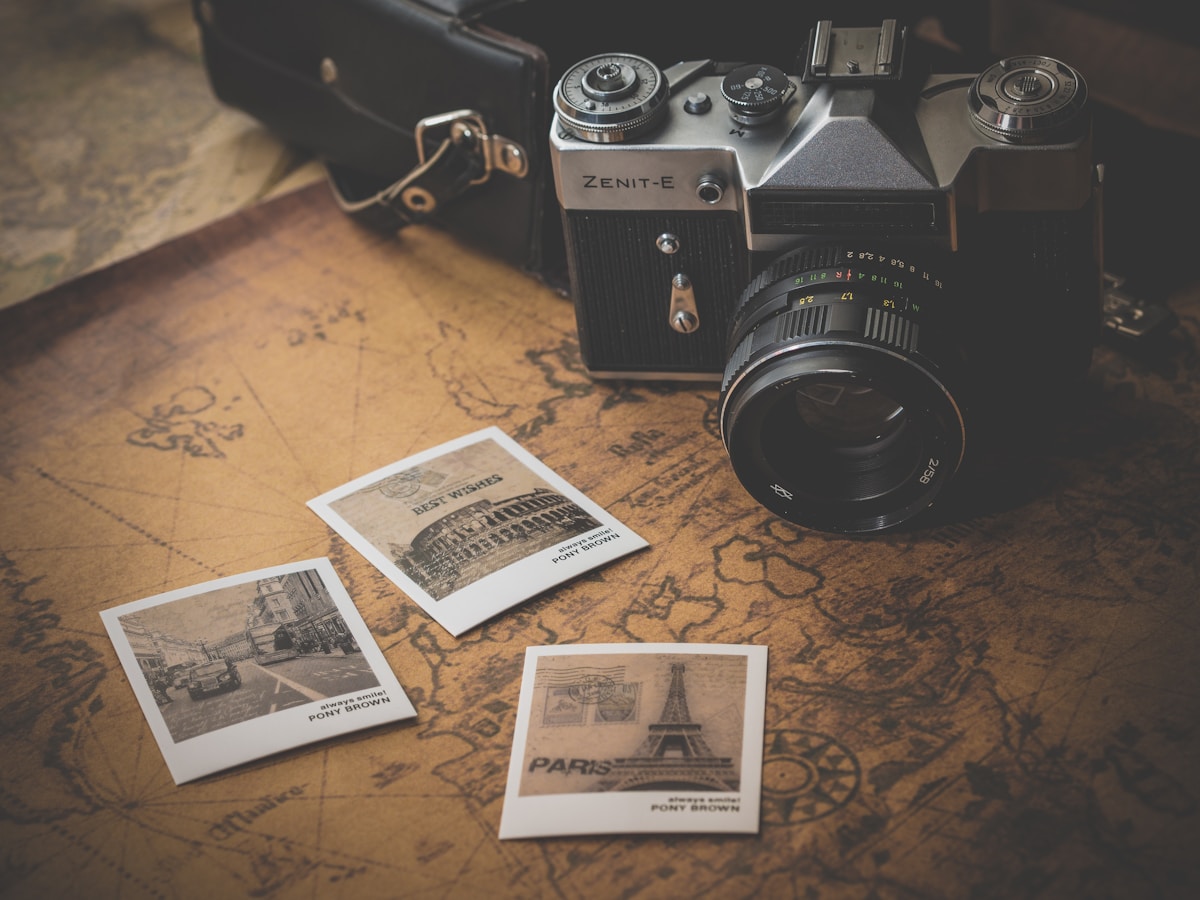
Photos
How to add photos to your travel animation
Upload photos per stop: the animation automatically pauses on arrival to showcase them in a fullscreen slideshow.
Read article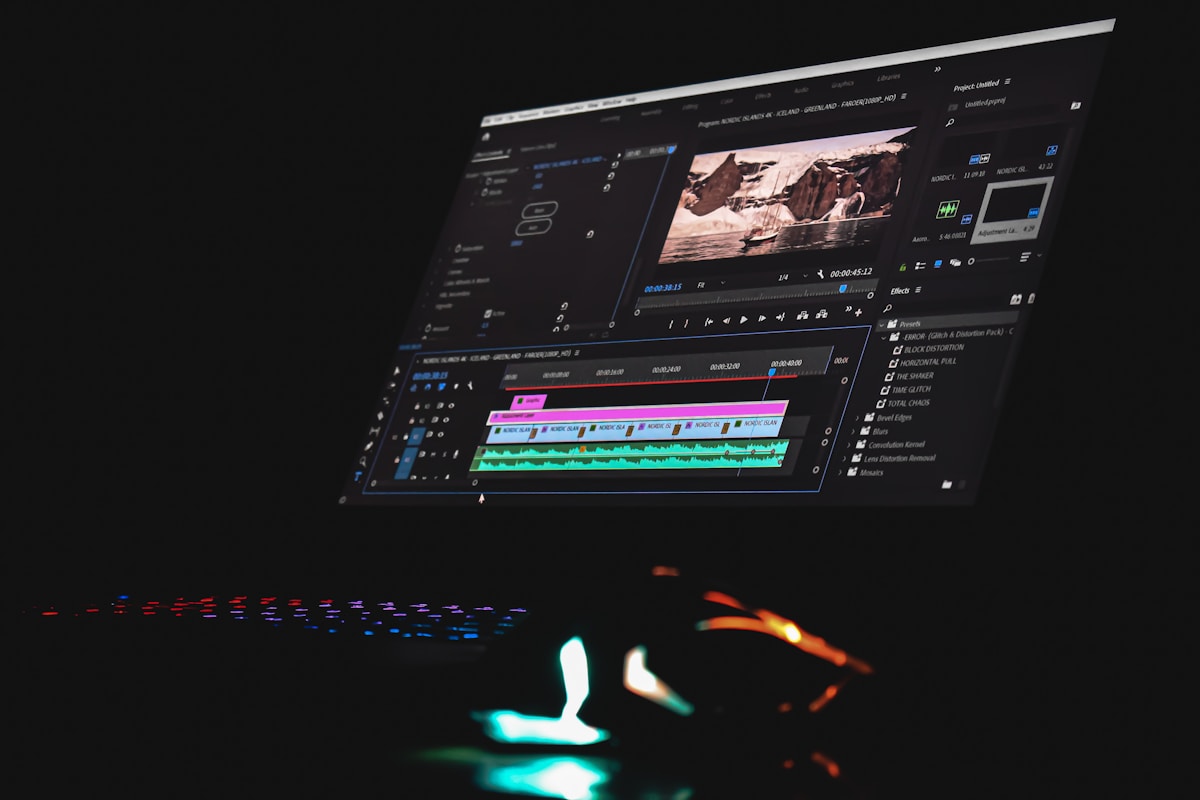
Export
How to export your animated travel map
Pick the format (MP4 / WebM), ratio (9:16, 1:1, 16:9) and quality to share your video on Instagram, TikTok and YouTube.
Read article
Privacy
How Travel Story Maker processes your photos
Your photos stay in your browser: resizing, EXIF metadata, local storage and privacy — here is exactly what happens behind the scenes.
Read article